
Technology
How to use an iPhone to scan a document
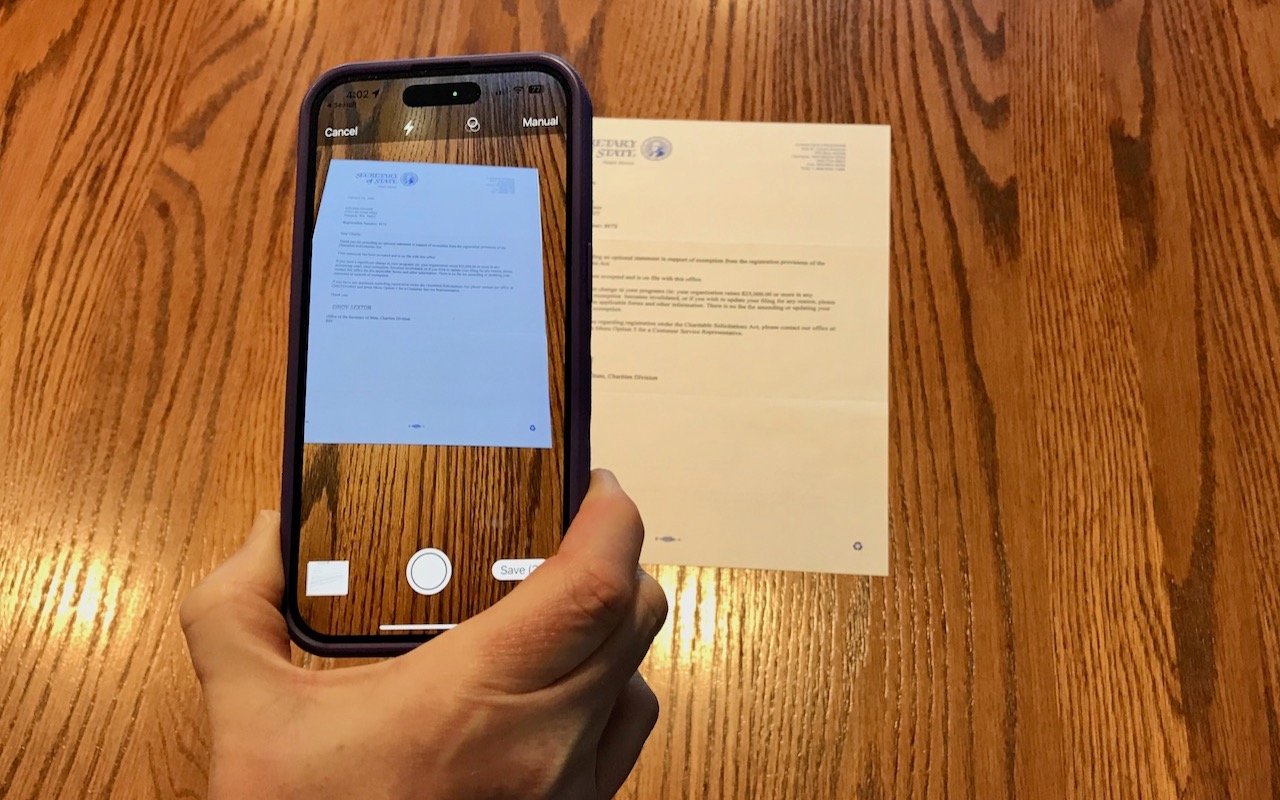
As an iPhone user or someone who wants to scan a document, you don’t need to go to the internet café or printing press. Do not worry because the solution is right in your hands.
- Open your iPhone.
2. Search for the files tool and click on it.
3. When the file is open, search for the three dots in the right corner.
4. Click on the three dots; look for ‘Scan Documents.’.
5.Click on the Scan Document to scan your document.
6. Scan to your satisfaction and save your document.
7. You can see the save option at the right down corner, and Waahalaa!
8. You can also rename your document to suit your preference.
9.You can share it with anyone you want or print it out.